
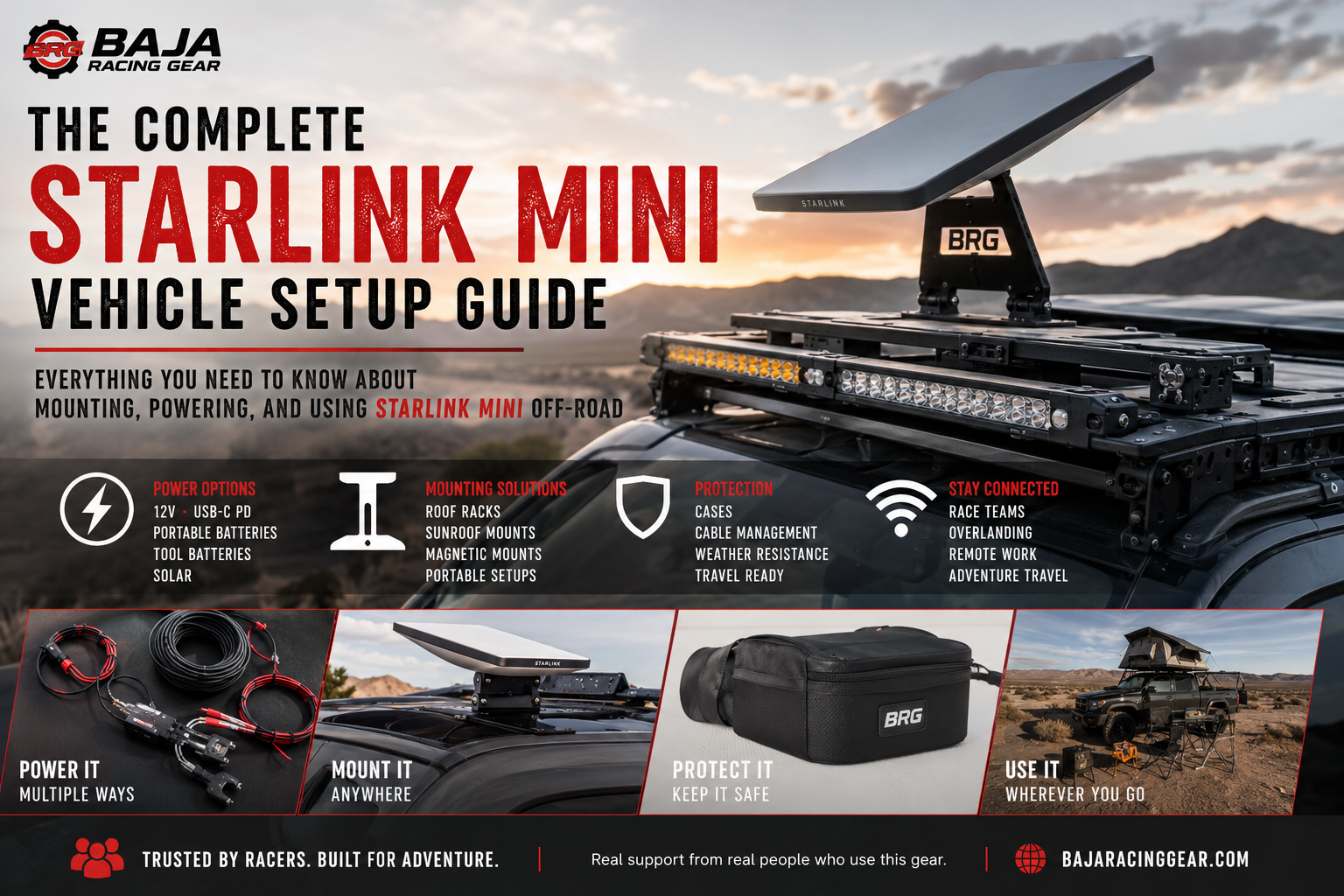
Everything You Need to Know About Mounting, Powering, and Using a Starlink Mini Off-Road
Stay Connected—Even When Cell Service Ends
Whether you're exploring remote trails, chasing race vehicles across the desert, working from camp, or overlanding across the country, reliable internet has become more than just a luxury. For many of us, it's a safety tool, a way to stay in touch with family, and often a necessity for work.
The Starlink Mini has quickly become one of the best portable internet solutions available. It's compact, efficient, and surprisingly easy to deploy—but setting one up correctly in a vehicle raises a lot of questions.
- How do you power it?
- What's the best mounting solution?
- Can you leave it installed full-time?
- What accessories do you actually need?
This guide answers those questions and links to more detailed Baja Academy articles covering each topic.
Why the Starlink Mini Is So Popular
The Mini was designed for portability while still delivering the speeds most people need on the road.
Compared to larger Starlink systems, it's:
- Smaller and easier to store
- Lower power consumption
- Quick to deploy
- Perfect for UTVs, trucks, SUVs, RVs, and overland vehicles
- Ideal for travelers who spend time outside cellular coverage
For many off-road enthusiasts, it's become an essential piece of recovery and communication equipment.
Choosing the Right Vehicle Setup
There isn't one "best" setup—only the best setup for how you travel.
Weekend Explorer
If you only camp occasionally, a portable setup may be all you need.
Typical setup:
- Starlink Mini
- Portable battery or vehicle power
- Temporary mount
- Storage case
Full-Time Overlander
If your Starlink stays with the vehicle year-round, a more permanent installation makes sense.
Typical setup:
- Roof or rack mount
- Dedicated power cable
- Weather-resistant wiring
- Protective storage solution
Race Team or Chase Truck
Communication is critical during races.
Many teams leave their Starlink ready to deploy at a moment's notice so they can access weather updates, GPS tracking, live timing, maps, and team communications from remote pits.
Typical setup:
- Permanent vehicle mount
- Direct battery power
- Quick-deploy cable routing
- Ruggedized accessories
Powering Your Starlink Mini
One of the biggest questions we hear is:
"What's the best way to power my Starlink Mini?"
There are several good options depending on how you travel.
USB-C Power Delivery
Great for:
- Casual users
- Portable setups
- Battery packs
Advantages:
- Simple
- Lightweight
- Easy to pack
Direct 12V Battery Power
Ideal for:
- Permanent installations
- Overland vehicles
- Chase trucks
- Daily use
Advantages:
- Clean installation
- Reliable
- No inverter required
- Lower energy losses
Portable Power Stations
Popular choices include:
- Jackery
- EcoFlow
- Bluetti
- Anker
- DJI Power
Excellent for:
- Campsites
- Remote work
- Temporary deployments
Tool Battery Systems
Many users also run their Starlink Mini using:
- Milwaukee
- DeWalt
- Makita
- Ryobi
This is an excellent solution if you already own cordless tools and want a compact backup power option.
Mounting Your Starlink Mini
Where you mount the dish affects convenience, deployment speed, and signal quality.
Common options include:
Roof Rack Mounts
Perfect for permanent installations.
Pros:
- Always ready
- Excellent visibility
- Great for overlanding
Sunroof Mounts
An increasingly popular option because they require no permanent vehicle modifications.
Ideal for:
- SUVs
- Crossovers
- Temporary travel setups
Portable Ground Mounts
Excellent when parked for extended periods.
Advantages:
- Can move away from trees
- Better sky visibility
- Flexible positioning
Magnetic & Temporary Mounts
Useful when you don't want permanent hardware attached to the vehicle.
Protecting Your Investment
The Starlink Mini is designed for outdoor use, but your accessories still matter.
We recommend considering:
- Protective carrying cases
- Cable management
- Weather-resistant connectors
- Storage solutions for travel
- Proper strain relief on power cables
Keeping cables organized and protected helps prevent unnecessary wear over time.
Frequently Asked Questions
Can I leave my Starlink Mini mounted full time?
Yes, many users do. Just make sure your mounting solution is designed for vehicle use and that cables are properly secured.
Does the Starlink Mini drain my vehicle battery?
Like any electrical device, it uses power while operating. If you're running it for extended periods with the engine off, monitor your battery or use a dedicated auxiliary battery or portable power station.
Can I use it while driving?
Many users do, but performance depends on your installation, surroundings, and current Starlink policies. Always ensure your installation is secure and does not obstruct your view or create a safety hazard.
What accessories do I actually need?
That depends on your setup, but many users choose:
- Mounting system
- Vehicle power cable
- Protective case
- Cable management accessories
- Backup power solution
Shop Starlink Accessories
At Baja Racing Gear, we don't just sell Starlink accessories—we use them in real-world racing, overlanding, and remote travel environments. Our goal is to help you build a setup that's reliable, easy to use, and ready when you're miles beyond cell service.
Whether you're looking for a complete mounting solution, vehicle power accessories, or replacement components, we're here to help you choose the right gear for your vehicle and your adventures.
👉 Browse our complete Starlink collection to find the accessories that fit your setup.

